5 Reasons to Shift to a Web-Based Medical Practice Scheduler

It’s no secret that healthcare workers deal with enormous amounts of stress and pressure daily. The last thing your clinic staff needs is a lengthy, time-consuming appointment scheduling process.
Considering the medical profession’s high-stakes nature, a
worsening healthcare workforce shortage, and mounting administrative burdens, it’s not surprising why many see healthcare as one of the
most stressful industries to work in. Adopting a sophisticated medical practice scheduler is one of the most effective ways to unburden your staff while improving your practice’s overall productivity and efficiency.
Although often overlooked, appointment scheduling plays an integral part in your operations and takes up a considerable chunk of your staff’s daily workload. Streamlining such a critical part of your workflow creates a domino effect that could improve other areas of your practice, including patient satisfaction.
What Is Medical Practice Scheduling Software?

Rather than having separate systems to track provider availability and manage patient appointment requests, medical practice scheduling software brings both functionalities into one comprehensive solution.
Platforms like
billrMD consolidate your provider calendar, appointment booking system, tasks and equipment tracker, and many other features that simplify your administrative processes. As a
web-based practice management and medical billing software, billrMD is your one-stop shop for all your admin work.
Managing all your scheduling needs in one platform makes a world of difference in minimizing the risk of staff burnout.
Read More:
5 Ways to Optimize Your Patient Scheduling in 2022
How to Maximize billrMD’s Features
Having a well-rounded software is one thing, but knowing what each feature does is key to maximizing its potential.
5 Reasons to Shift to a Web-Based Medical Practice Scheduler Video
Slot Finder
Save time scrolling through your calendar and immediately search for a specific time slot with billrMD’s advanced slot finder tool. Depending on the patient’s preferred time, you can further narrow down your search by selecting morning or afternoon time slots, accelerating your appointment booking process.
Customizable View
Control how you view your calendar to easily keep track of your and your staff’s schedules. View appointments by day, week, month, or pull up the entire list.
You can also apply filters to isolate a single or multiple providers’ workload for more specific schedule tracking. When you have absolute control over how you want your calendar to appear, managing months worth of schedules becomes less overwhelming.
Automated Reminders
Eliminate manual data entry and automate your patient communication. billrMD’s automated messaging feature automatically sends out appointment details and reminders to the patient’s registered phone number after every booked or rescheduled appointment.
Drag-and-Drop
Reschedule appointments with ease using billrMD’s drag-and-drop feature. Save time from re-typing the patient’s information and other appointment details. Simply drag the existing appointment and drop it on the new time slot.
Add Non-Clinical Events
Track and manage all types of schedules from the same platform. With billrMD, you can add non-clinical events like birthdays, holidays, and other non-patient appointments without having to create a dummy patient profile in the system.
Real-Time Eligibility Verification
Ensure that you and your patients are on the same page regarding their covered benefits. Verify insurance eligibility during the appointment booking process and eliminate the likelihood of surprise medical bills or rejected claims.
Read More:
The New Medical Billing Software Standard: How to Get Started With billrMD
Benefits of a Web-Based Medical Practice Scheduler

Automatic System Updates
Having the latest version of your practice software puts you in a better position to address your practice’s most pressing needs. Considering how fast the healthcare landscape changes, you need a system that not only keeps up, but stays ahead of the emerging industry demands and challenges.
That’s where most of the benefits of a web-based scheduling system come in. Unlike traditional software, a web-based platform like billrMD doesn’t require a team of IT specialists to install system upgrades. We automatically update your software the moment our latest version rolls out.
Save Money on Maintenance Costs
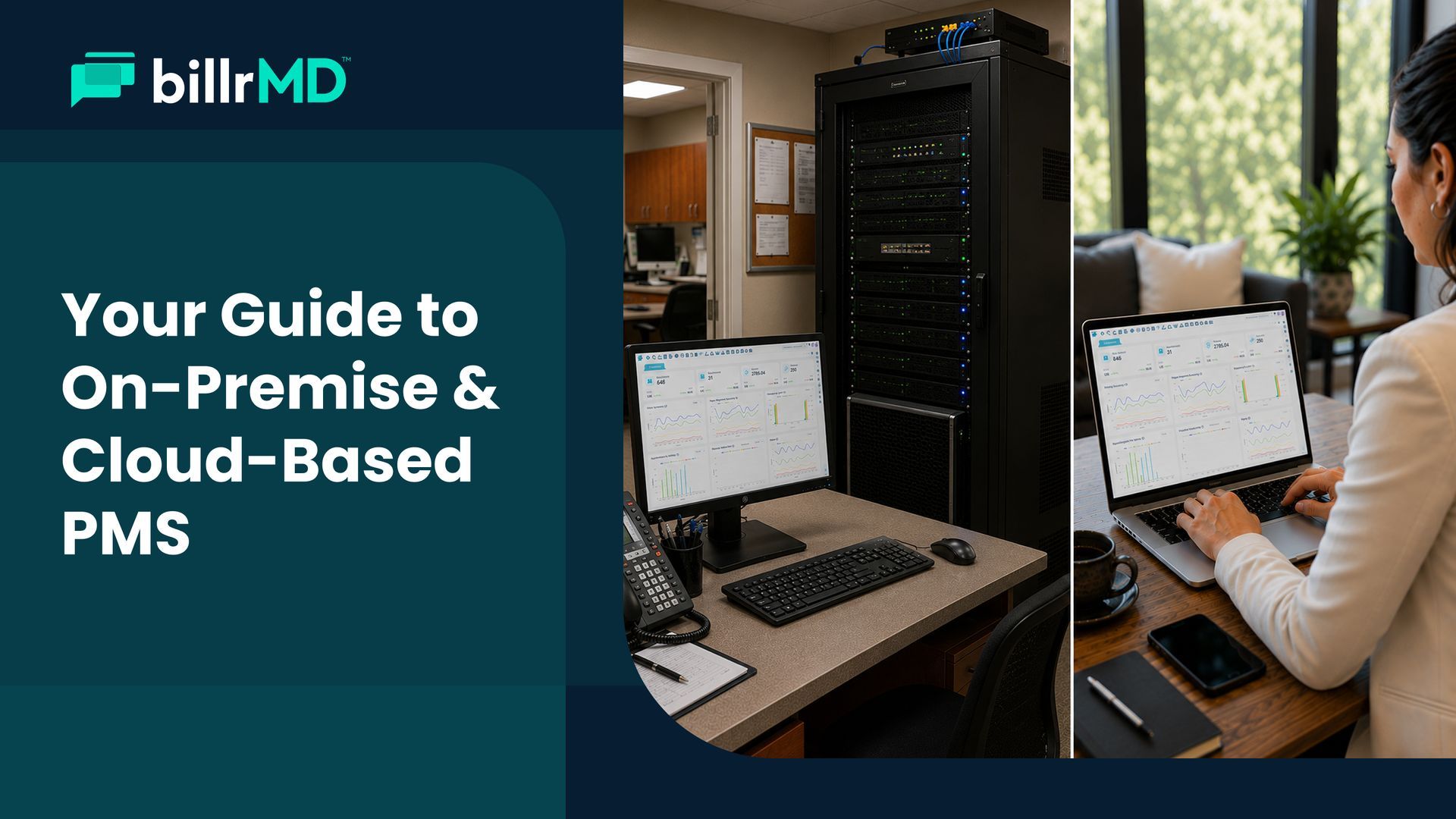
Most medical practice scheduling systems are integrated with electronic health record (EHR) platforms. However, most EHRs still use on-site servers, making them more costly and harder to maintain.
With web-based scheduling software, you no longer have to spend a fortune on infrastructure or maintenance—you only need an internet connection.
Manage Resources & Non-Clinical Schedules
Running a practice isn’t just about clinical tasks; backend workflows play an equally crucial part in keeping your operations running smoothly. That’s why billrMD’s scheduling module allows you to keep track of clinical equipment and supplies and add non-clinical events to your calendar to monitor and manage every single detail of your practice.
Accessible From Anywhere
Web-based medical practice scheduling software offers you better flexibility and mobility. Unlike traditional systems that you can only access from your clinic computer, a web-based platform allows you to access your entire practice schedule from anywhere using any device, as long as you are connected to the internet.
A More Convenient Patient & Staff Experience
Naturally, an efficient workflow translates to better outcomes. As your web-based scheduler streamlines your practice’s scheduling processes, you can free your staff from the overwhelming administrative burdens while increasing their productivity.
In addition, your patients will enjoy shorter wait times, fewer phone calls, and an overall more pleasant appointment booking experience.
Read More:
A Proven Solution For Modern Scheduling Needs

It’s impossible to completely eliminate stress in the workplace, especially in high-stakes industries like the medical field. However, you can reduce the likelihood of burnout with simple steps like automating your scheduling processes.
Scheduling automation may seem like such a massive step, but the benefits it brings to your practice should be a compelling enough reason to embrace it. Adopting a modern, web-based practice management software like billrMD can also help make the transition easier.
With convenient features and an intuitive user interface, billrMD simplifies your practice’s most tedious workflows without much of a learning curve. Designed to be as straightforward and user-friendly as possible, navigating billrMD’s complete feature set is a breeze even for non-tech-savvy users.
Whether it’s tracking patient appointments, managing provider and resources availability, or monitoring staff productivity, billrMD makes tedious admin work just a click away.
Recent Posts