On-Premise vs. Cloud-Based Practice Management Software: What's Right for Your Practice?
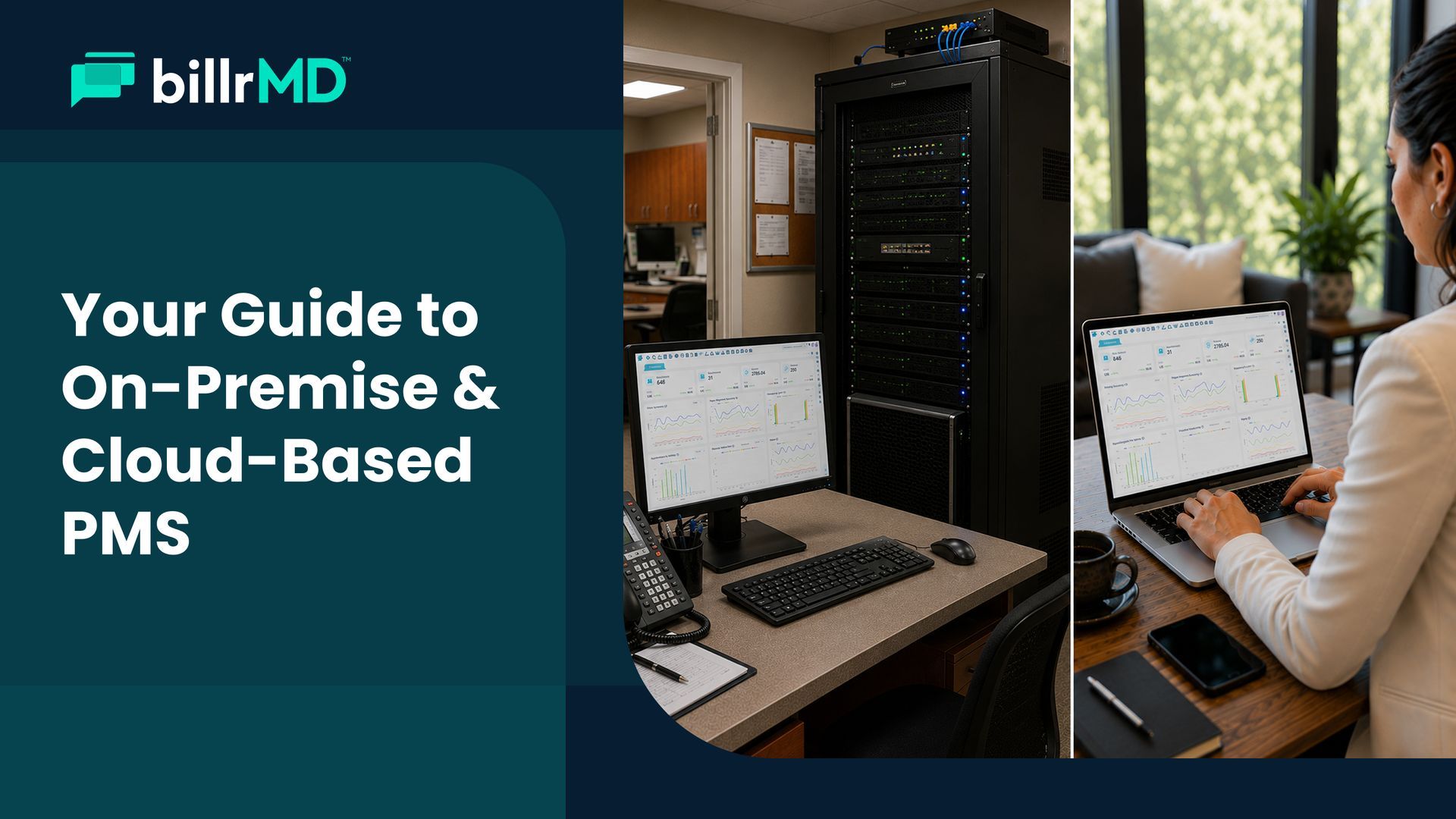
When you're evaluating a new practice management system, one of the first real decisions you'll face is where your software actually lives. It might not sound like the most exciting question, but the answer shapes how your team accesses the system, how data is protected, what the platform costs over time, and whether it can grow with you.
The conversation around on-premise vs. cloud-based practice management software isn't just a technology debate. It comes down to how your clinic operates day-to-day, what IT resources you have available, and where you realistically expect your practice to be in three to five years. This guide walks through both models, explains what actually separates them, and gives you a clear framework for making the right call.
Practice Management, Simplified
What Is On-Premise Practice Management Software?
On-premise practice management software is installed directly on your clinic's local servers or computers. Everything runs within your physical office. Your data stays on hardware you own and maintain, and the software operates independently of a third-party's infrastructure once it's set up.
For a long time, this was the only option available to healthcare practices, and some larger hospital systems still rely on on-premise infrastructure for specific workflows. The appeal is understandable: you control the hardware, you manage the data, and you're not dependent on an external vendor's servers staying operational.
The tradeoffs are real, though. Your IT team is responsible for server maintenance, software updates, data backups, and security patches. When something breaks, fixing it falls on internal resources. When the software needs an upgrade, someone has to plan, budget, and execute that process. For smaller clinics and growing independent practices, those responsibilities accumulate quickly in
both cost and administrative time.
What Is Cloud-Based Practice Management Software?
Cloud-based practice management software is hosted on remote servers managed by the software vendor and accessed through a standard web browser. There's nothing to install locally, no server to purchase or maintain, and updates roll out automatically on the vendor's side.
This model has become the standard in healthcare over the past several years, and for practical reasons. It's accessible from anywhere with an internet connection, which matters for practices with multiple locations, hybrid teams, or providers who need to check scheduling or billing status from outside the office.
A cloud practice management system platform also removes infrastructure management from your team entirely. Security patches, feature updates, HIPAA compliance controls, and data backups are all handled by the vendor. Your staff logs in and gets to work.
The Difference Between On-Premise and Cloud-Based Practice Management Software
The difference between on-premise and cloud-based practice management software isn't just about where data is stored. It affects the entire operational experience of your practice, from daily workflows to long-term cost structure.
Cost Structure
On-premise systems typically require a meaningful upfront investment in server hardware, licensing, and implementation. Cloud-based practice management software generally operates on a subscription model, spreading cost over time and reducing initial capital expenditure. Over a three-to-five-year horizon, the total cost of ownership for on-premise systems often exceeds cloud equivalents once you factor in IT labor, hardware refresh cycles, and downtime costs.
Accessibility
On-premise practice management software is tied to the machines and network where it's installed. Remote access requires additional configuration and ongoing management. Cloud-based systems are accessible from any device with a browser, which is a practical advantage for multi-location practices or teams that work flexibly. If your billing staff needs to work remotely, there's nothing extra to set up.
Updates and Maintenance
With on-premise software, your team manages when and how updates happen internally. With a cloud practice management system, the vendor handles all updates automatically. Your platform stays current without any effort on your end, and you're never running an outdated version of the software.
Security
This is where the comparison gets nuanced. On-premise systems give you full control over physical data security, but that control is only as strong as your internal processes and IT resources. Reputable cloud vendors invest in enterprise-grade encryption, continuous security monitoring, and HIPAA-compliant infrastructure that most individual practices couldn't replicate internally.
Many organizations have shifted toward cloud-hosted systems because modern cloud providers can devote substantial resources to security monitoring, infrastructure resilience, and ongoing platform maintenance
Scalability
Adding a new provider, opening a second location, or expanding your service lines is operationally simpler on a cloud-based practice management software. You don't need to provision new hardware or reconfigure your network. With on-premise practice management software, growth typically requires a hardware investment and an IT planning cycle before it can happen.
Benefits of Cloud-Based Practice Management Software
The shift toward cloud-based practice management software in healthcare reflects a practical reality: the operational advantages compound meaningfully for most clinic types, especially those without dedicated IT departments.
No Infrastructure Overhead
There are no servers to purchase, no rack space to configure, and no hardware refresh cycles to plan for. The vendor handles all of it. That's a genuine cost and time savings for small and mid-sized practices that don't employ full-time IT staff.
Real-Time Data From Anywhere
Your scheduling, billing, and patient information are accessible wherever you have an internet connection. Whether your billing team is on-site or working remotely, they're looking at the same live system. For practices with more than one location, this kind of operational continuity is a significant improvement over siloed, on-site setups. If your practice is dealing with the kinds of challenges that affect independent medical practices, real-time data access is one area where the right software can make an immediate difference.
Automatic Compliance Updates
Healthcare regulations evolve, and so do
HIPAA requirements. A well-built cloud platform stays current with regulatory changes automatically, without requiring your team to manage patch cycles or manually apply updates.
Faster Onboarding
There's no software to install on individual machines and no server configuration to complete before new users can get started. Getting staff up and running on a cloud system is measurably faster than provisioning access on an on-premise platform, which matters when you're adding providers or administrative roles.
Scalability Without the Capital Cost
As your practice management software scales with your operation, a cloud system adapts without requiring additional infrastructure investment. Adding providers, locations, or administrative users is a configuration change, not a capital project.
Business Continuity
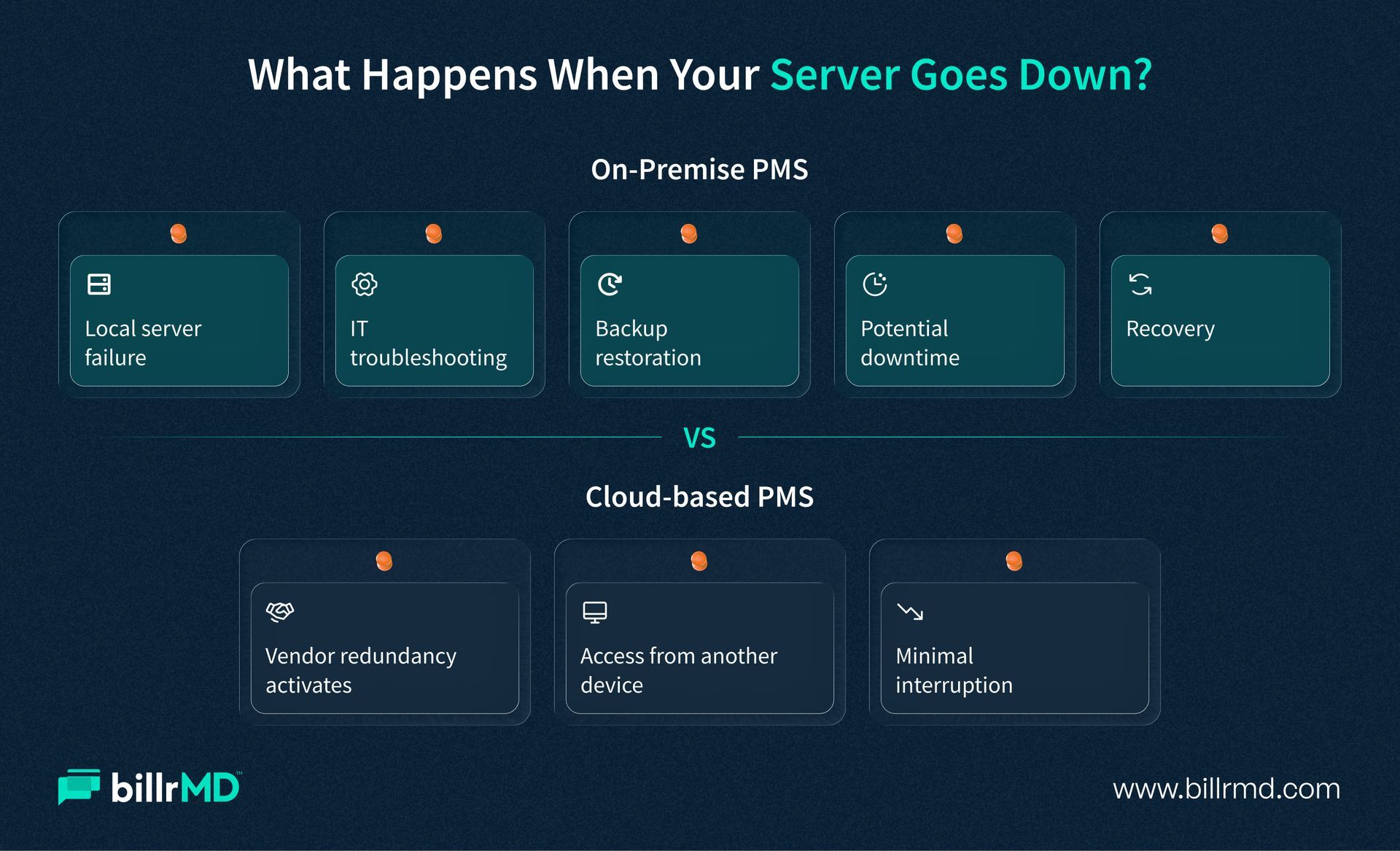
If a local computer fails or your office experiences an incident, your data is safe in the cloud. On-premise practice management software is more exposed to hardware failures and physical disruptions unless you've invested in redundant backup infrastructure, which adds additional cost and complexity.
These are the reasons most modern practice management software for clinics is now delivered via cloud, and why practices evaluating a new system today almost universally default to cloud-first options
Which Practice Management Software Is Better for Healthcare Providers?
For most healthcare practices today, cloud-based practice management software is the more practical choice. This is particularly true for independent practices, multi-location groups, billing companies, and specialty clinics that prioritize patient care over server management.
While on-premise solutions can work for large health systems with dedicated IT teams and specific data control needs, they often come with higher costs and complexity. Cloud-based softwares streamlines operations, lowers long-term expenses, and better meets the realities of modern healthcare.
Instead of asking which model is superior, consider which one aligns with your team's needs, IT capacity, and future goals. For a structured approach to making this decision, consult our guide on selecting the right practice management software before seeking demos.
Why billrMD Is Built for the Cloud-First Practice
billrMD is a web-based practice management software and medical billing platform designed for modern healthcare practices. There’s no installation or server maintenance required, and it operates securely through any browser, accessible from any device. With 256-bit SSL encryption and built-in HIPAA compliance, the platform ensures security. Automatic updates keep your team equipped with the latest features without downtime.
billrMD includes patient scheduling, automated reminders, electronic claims submission with a 99% acceptance rate, ERA payment posting, and comprehensive reporting—all in one system, eliminating the need for juggling multiple tools. It scales alongside your practice, whether you’re a solo provider or a multi-location group.
A free introductory account is available for new practices to explore the platform without commitment.
See the Difference for Yourself
Frequently Asked Questions
Is cloud-based practice management software secure enough for patient data?
Yes. Reputable cloud-based practice management software platforms are built with HIPAA compliance at their core and use enterprise-grade encryption to protect patient health information. In most cases, the security infrastructure of a well-built cloud platform exceeds what a small or mid-sized practice could realistically maintain on local servers. When evaluating vendors, confirm that the platform is explicitly HIPAA-compliant and transparent about its data security practices.
What are the main cost differences between on-premise and cloud-based practice management software?
On-premise practice management software typically requires a significant upfront investment in server hardware, software licensing, and implementation. Cloud-based practice management software generally operates on a monthly or annual subscription, which spreads the cost over time and includes updates and maintenance. When you account for IT labor, hardware lifecycle costs, and downtime, on-premise systems often carry a higher total cost of ownership over a three-to-five-year period.
Can a cloud practice management system work for multi-location practices?
Yes, and it works especially well in that context. Because cloud-based systems are browser-accessible, every location's team logs into the same live system. Scheduling, billing, and patient records are unified across locations without specialized networking or hardware setup. This is one of the clearest practical advantages a cloud practice management system has over on-premise setups for growing practices.
What should I look for in a cloud-based practice management system?
Start with HIPAA compliance, encryption standards, and the vendor's uptime reliability. From there, evaluate core features: patient scheduling, automated reminders, claims submission, eligibility verification, ERA-powered payment posting, and reporting depth. For a full breakdown of what matters, our practice management software features guide covers each category in detail.
Recent Posts