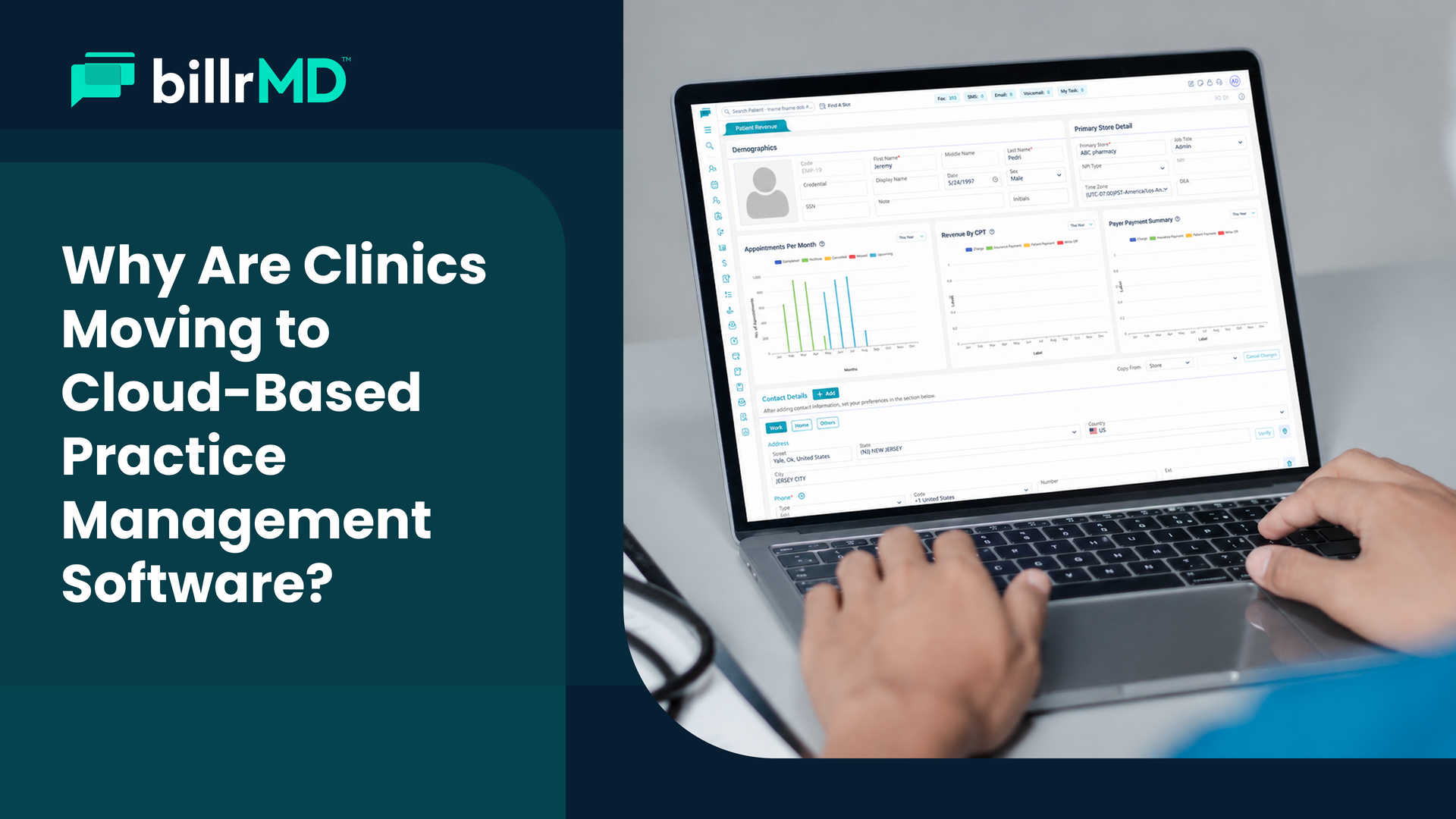
What to Look for in a Practice Management System: Full Feature Guide

Running a healthcare practice involves two key aspects: clinical care and operations. While patient care is the main focus, managing scheduling, insurance verification, billing, collections, compliance, and reporting is equally important. These operational tasks can pile up quickly, often surprising practices as they grow. Balancing both sides is essential for a successful practice.
That's where a practice management system comes in. The right software doesn't just digitize your paperwork: it creates a connected workflow where scheduling feeds billing, billing feeds claims, and claims feed the financial reporting that tells you exactly how your practice is performing. A well-built platform reduces manual effort, catches errors before they cost you, and gives your team more time to do what actually matters.
But not all platforms are built the same. Some cover the basics and leave you stitching together the rest. Others offer a genuinely integrated experience from day one. Knowing which practice management software features are worth prioritizing, and why, is the first step to choosing a platform that works for your clinic, not just one that looks good in a demo.
This guide covers every major feature category in detail, so you know exactly what to look for.
Practice Management, Simplified
1. Appointment Scheduling
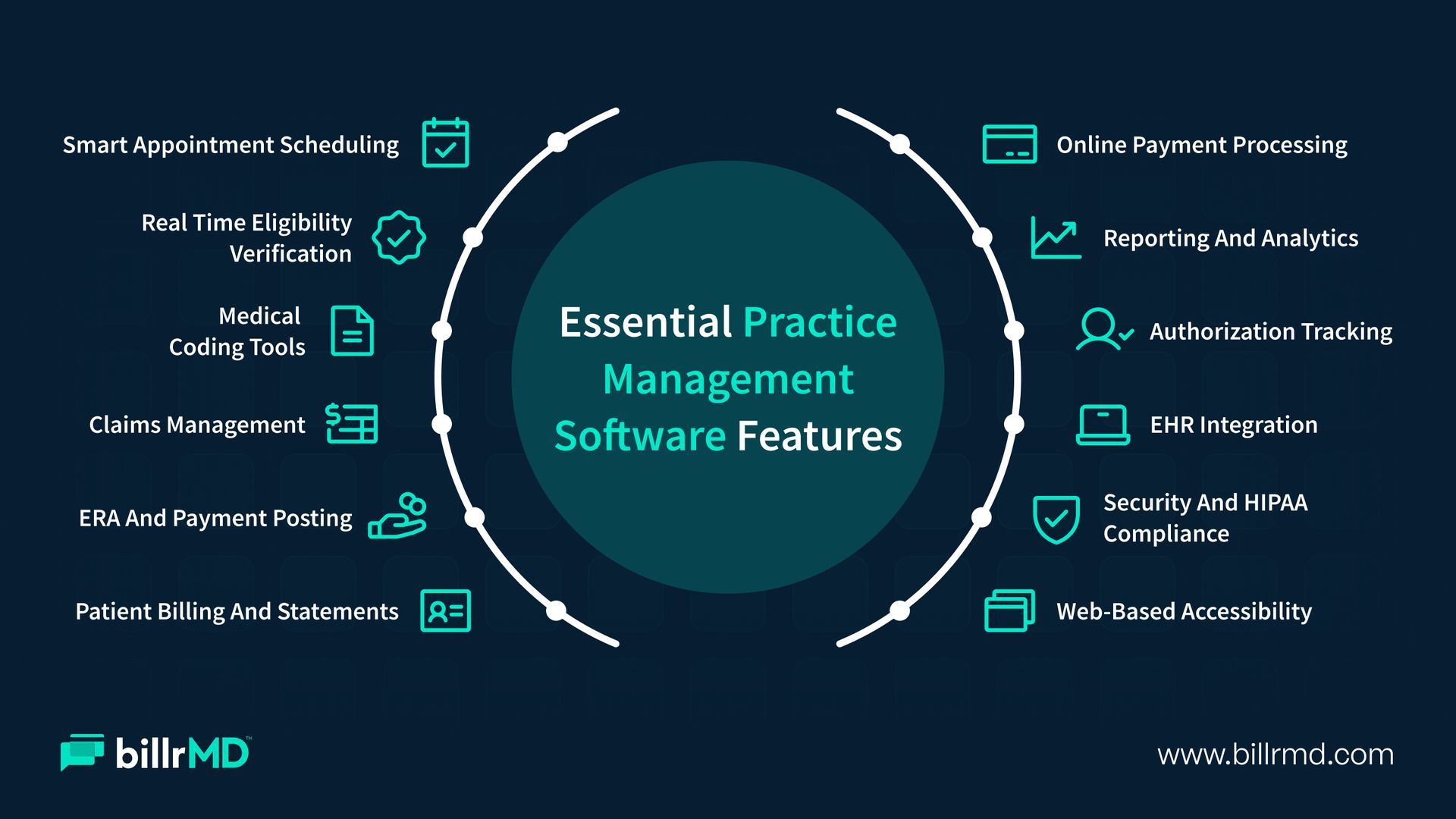
The scheduling module is the front door of your practice. Every patient encounter begins here, and how well it's managed affects everything downstream, from no-show rates to billing accuracy. Look for a system that goes well beyond a basic calendar: drag-and-drop rescheduling, multi-provider calendar views, automated appointment reminders, and direct integration with your billing workflow mean the financial process can start the moment an appointment is booked.
What to look for: Automated reminders via text, email, or phone; a check-in/check-out module; and the ability to schedule recurring appointments.
2. Real-Time Insurance Eligibility Verification
Finding out a patient's coverage has lapsed after the service is rendered is a costly, avoidable problem. Real-time eligibility verification lets your team confirm active coverage, review copay and deductible details, and flag issues before the appointment. A medical office software that handles this through a single integrated request saves staff from logging into multiple payer portals every morning.
What to look for: Instant eligibility responses from major payers, an integrated clearinghouse connection, and a clear breakdown of coverage details inside the platform.
3. Claims Submission and Management
Electronic claims submission is standard. Sending clean claims is what separates a high-performing clinic management software from a basic one. Built-in claim scrubbing checks codes, flags missing fields, and cross-references payer requirements before anything goes out. A good system then lets your team track claim status from submission through adjudication in one view. Understanding the full medical billing process from claims to payments helps clarify how each step connects to the next.
What to look for: Automated claim scrubbing, real-time status tracking, and direct clearinghouse integration.
4. Medical Coding and Billing Profiles
Accurate coding is the foundation of accurate billing. Your practice management system should include a comprehensive code library covering ICD-10, CPT, and DSM-5, along with tools that reduce repetitive data entry. Billing profiles that preload your most-used diagnosis and procedure code combinations improve consistency and cut the time your team spends rebuilding the same claims repeatedly.
What to look for:
A large, up-to-date code library, specialty-specific presets, and customizable billing profiles.
5. Payment Posting and Electronic Remittance Advice (ERA)
Getting paid is only half the job. Posting that payment accurately and reconciling it against expected amounts is where many practices quietly lose time. ERA lets health plans send payment data electronically, so the software matches and posts it automatically rather than requiring manual entry from paper statements.
What to look for: Automated ERA posting, filterable remittance views, and easy reconciliation between expected and received payments.
6. Patient Invoicing and Statements
As high-deductible plans become more common, patient balances now account for a larger share of total practice revenue. Clear, professional statements sent through the patient's preferred channel, whether mail, email, or text, directly affect how much you collect and how patients perceive the experience.
What to look for: Multiple statement formats, multi-channel delivery options, practice branding on invoices, and an aging summary view for outstanding balances.
7. Online Payment Processing
A clean invoice doesn't guarantee payment. Giving patients a fast, convenient way to pay online, on their own schedule, removes the friction that turns collectible balances into aged receivables. Integrated payment processing means transactions post to patient accounts in real time, without manual reconciliation.
What to look for: Credit card processing within the platform, an online patient payment portal, and instant auto-posting to the ledger.
8. Reporting and Analytics
Running a practice without data is like driving without headlights. Reporting and analytics tools show where your revenue is, where it's getting stuck, and what's driving denials. The most useful reports cover claims aging, denial trends by payer or code, A/R days, provider productivity, and payment summaries.
What to look for: Configurable reports, scheduled delivery, and filters that let you drill down by provider, payer, or date range.
9. Patient Communication and Messaging
Phone calls, faxes, and back-and-forth emails can consume a significant portion of your staff's day. A solid practice management system consolidates patient and internal communications in one place, with tools for task assignment, follow-up tracking, and quick internal notes so coordination between scheduling, billing, and clinical staff stays organized.
What to look for: HIPAA-compliant messaging, task assignment, and a searchable message history across the care team.
10. Authorization and Referral Tracking
Missing or expired prior authorizations lead directly to hard claim denials. Your team needs a clear, searchable view of all active authorizations, complete with status indicators, expiration dates, and reference numbers, without digging through paper files or jumping between payer portals.
What to look for: Status-visible authorization tracking, expiration alerts, and integration with the claims workflow so nothing moves forward without the right approvals.
11. EHR Integration and System Interoperability
Whatever clinical documentation system you're already using, your practice management system should connect to it cleanly. Disconnected systems lead to double data entry, introduce transcription errors, and slow every billing step. billrMD connects with WebIMS and other major EHR platforms, so patient data flows into billing automatically. For practices thinking seriously about reducing manual handoffs, the role of practice management software automation in medical billing is a worthwhile read.
What to look for: Bidirectional EHR integration, lab system connectivity, and eRx compatibility.
12. Role-Based Access, Security, and HIPAA Compliance
Any platform handling protected health information needs to go beyond checkbox compliance. That means role-based access controls, audit logs, two-factor authentication, and encrypted backups at a minimum. These aren't features to evaluate last: they're the baseline your practice is legally required to meet.
What to look for: Granular user permissions, 2FA, nightly encrypted backups, and a clearly documented HIPAA compliance posture.
13. Web-Based Architecture
A web-based medical office software platform means your team can access the system from any internet-connected device, with no downloads, no VPN configuration, and no dependence on a single in-office machine. For practices with multiple locations or remote billing staff, this is less of a convenience and more of an operational requirement.
What to look for: Browser-only access, no local installation, automatic software updates, and a responsive interface that works across devices.
Why billrMD Checks Every Box
There's no shortage of platforms that promise to simplify decisions about clinic management software. What distinguishes billrMD is the combination of depth and accessibility: a full feature set that doesn't require an IT department to manage.
From scheduling through claims, payment posting, and financial reporting, every component works together inside a single, web-based interface. Practices can start with a free account and expand as their needs grow, with no hardware commitment, no per-claim fees, and no risk of outgrowing the platform as providers or locations are added.
Over 25 years of healthcare technology experience show through in the details: an intuitive interface that requires minimal training, a 73,000-code billing library spanning ICD-10, CPT, and DSM-5, configurable patient invoicing, and a support team specializing in healthcare billing.
Whether you're running a solo practice, a multi-location group, or a billing company managing multiple clients, the features of practice management software in billrMD are built to meet you where you are and scale from there.
See billrMD in Action
Frequently Asked Questions
What is practice management software, and how is it different from an EHR?
A practice management system handles the administrative and financial side of running a clinic: scheduling, billing, claims, and collections. An EHR covers clinical documentation and patient history. Many practices use integrated platforms that connect both, reducing the manual handoff between the two.
What are the most critical features of practice management software for a small practice?
For smaller practices, the highest-priority practice management software features are scheduling with automated reminders, real-time eligibility verification, claims submission, and patient invoicing. These four areas have the most direct impact on daily cash flow and operational load.
How do these features help reduce claim denials?
Several features of practice management software work together here. Real-time eligibility catches coverage issues before the visit. Claim scrubbing flags coding errors before submission. Denial trend reporting helps identify recurring patterns so the same mistakes do not repeat.
Is a web-based practice management system secure enough for HIPAA compliance?
Yes, when it is purpose-built for the healthcare sector. Enterprise-grade security measures in a well-designed web-based system, including role-based access, audit logs, 2FA, and encrypted backups, frequently exceed what a small practice could deploy on its own internal infrastructure.
Recent Posts